01
Bring your inventory
Add a product or import a CSV with expiry dates, quantities, SKUs and ASINs.
Know what expires next. See what profit is at risk.
Give every product a better chance to sell.
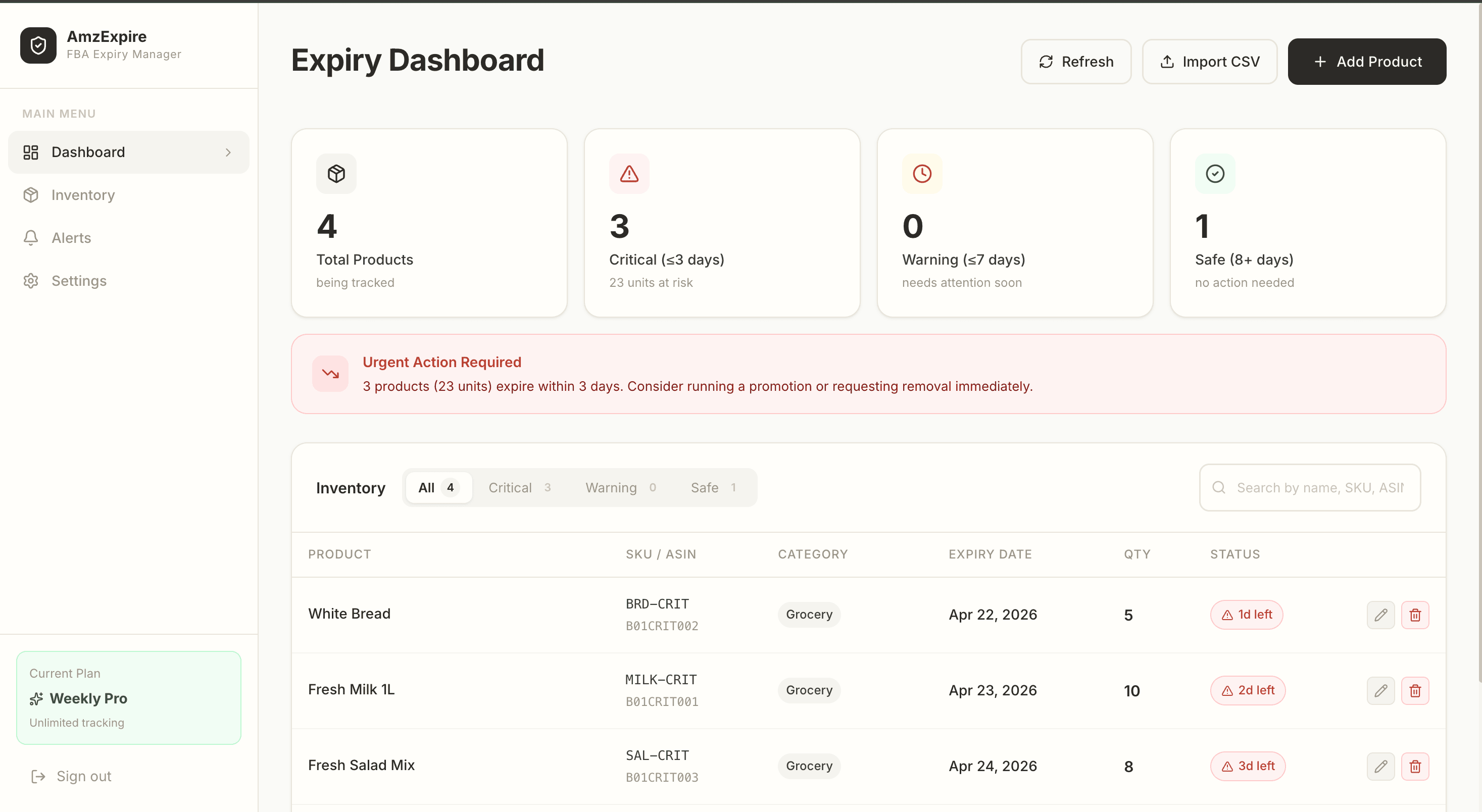
A little more visibility. For every shelf life.
LESS GUESSWORK. MORE CLARITY.
Bring your product details together, spot what needs attention and make your next move.
Add a product or import a CSV with expiry dates, quantities, SKUs and ASINs.
Keep expired, critical and upcoming stock in view with your own expiry thresholds.
Add unit costs, sale prices and fees to understand the estimated profit at stake.
Different products need different lead times. Set your critical, warning and FBA-risk windows to match the way you plan.
Make room for earlier decisionsCustom planning windows, managed in Settings.
SIMPLE PLANS. CLEAR PRICING.
Try it with your first three products. Upgrade when you need more room.
Free
Get your inventory in focus.
Pro
Room to growFor a growing product catalog.
Yes. The Free plan includes up to 3 tracked products, the expiry dashboard and customizable thresholds. No credit card is required to get started.
Not currently. Add your products manually or upload a CSV with product names and expiry dates. SKU, ASIN, quantity and financial details can be included too.
For each at-risk product, we subtract unit cost and the Amazon fee you entered from its sale price, then multiply positive unit profit by quantity. This is an estimate based on your inputs, not a forecast of realized profit or a complete accounting of all selling costs.
Yes. Set your critical, warning and FBA-risk windows in Settings. FBA risk is your planning threshold, not an automatic determination of Amazon eligibility.
Expiry alerts are currently available inside the dashboard. Automated email and SMS reminders are not available yet.